



Pokémon GO Friend Codes (2026): How to Add Friends Fast and Get More XP
Looking for Pokémon GO friend codes that actually work in 2026? Adding active friends is one of the fastest ways to earn XP, get daily gifts, and unlock huge bonuses at higher friendship levels. This guide shows you how friend codes work, how to add friends quickly, and how to maximize your rewards.
What Is a Pokémon GO Friend Code?
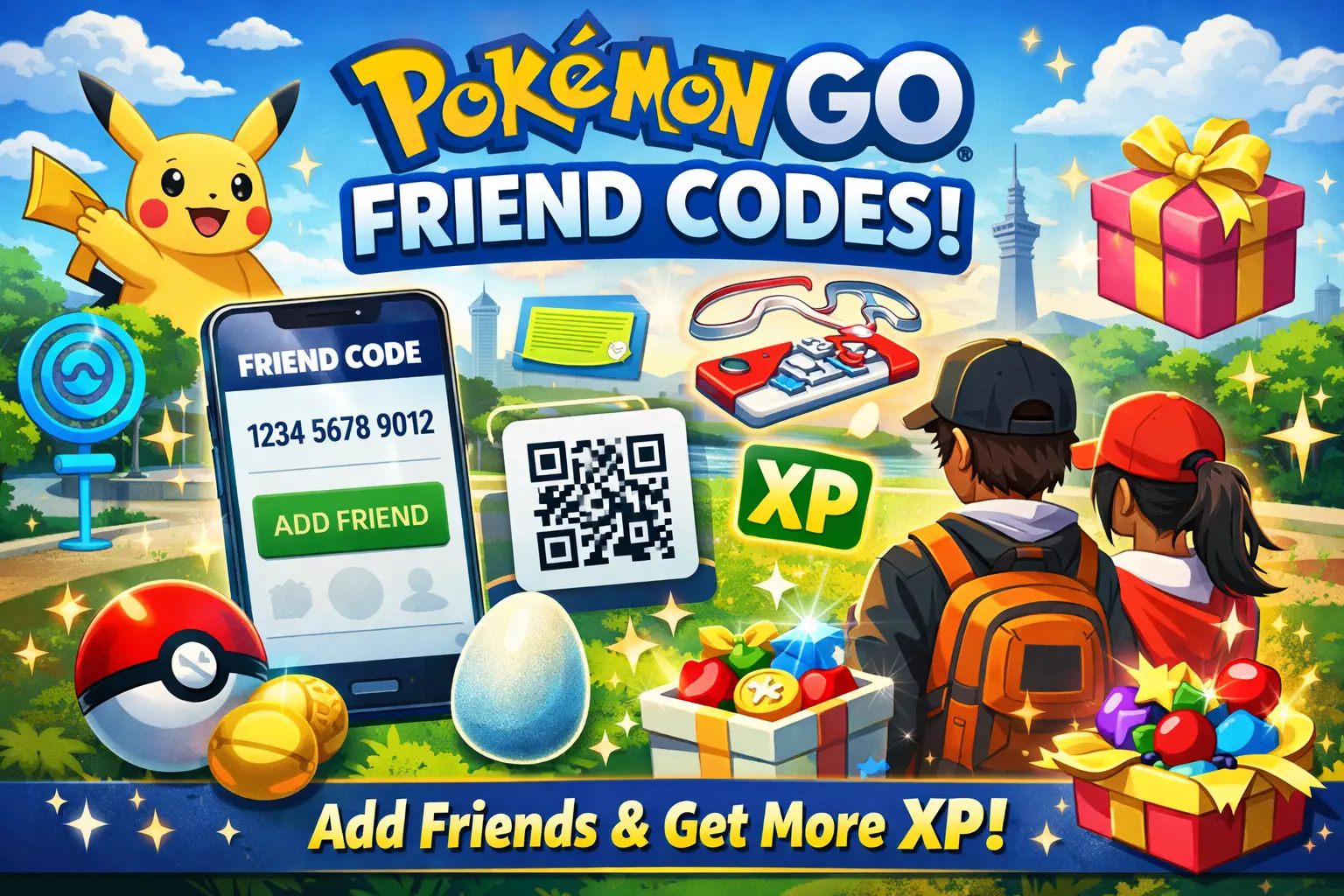
A Pokémon GO friend code is a unique 12-digit code linked to your Trainer account. When another player enters your code, they can send you a friend request. Once you accept, you can exchange gifts and grow your friendship level — which unlocks increasingly valuable rewards along the way.
How to Find Your Pokémon GO Friend Code
- Open Pokémon GO
- Tap your Trainer profile
- Go to the Friends tab
- Tap Add Friend
- Copy your Friend Code (or show your QR code)
How to Add Friends in Pokémon GO (Fast)
- Open the Friends tab
- Tap Add Friend
- Enter a 12-digit friend code
- Send the request and wait for the player to accept
Why Pokémon GO Friends Matter: Rewards You Can Get
- Daily gifts: Poké Balls, potions, berries, eggs, and more
- Massive XP boosts: friendship milestones can award enormous XP
- Trade benefits: better IV rerolls and improved perks at higher friendship levels
- Raid advantages: easier coordination and stronger team building
Where to Find Active Pokémon GO Friend Codes in 2026
Not all lists are updated, and inactive players won't accept requests. To actually get results, you want recent, active friend codes from players who are still playing.
On friend-code.com, you can browse and share codes so you connect with real, active players. That means more accepted requests, more gift exchanges, and faster progress overall.
Best Tips to Get More XP With Friends
- Open and send gifts daily to keep your friendship levels rising steadily
- Use a Lucky Egg right before a big friendship milestone for maximum XP — the Best Friend bonus is enormous
- Prioritize Ultra Friend and Best Friend targets for the biggest rewards
- Add international friends for more variety and potential distance-related benefits
Common Problems (And Fixes)
"Friend request not found" or "Invalid code"
Double-check all 12 digits carefully. If it still fails, the player may have changed accounts or the code is outdated. Move on and try a newer one.
"Too many pending requests"
Some players stop accepting when they're overloaded with requests. Use newer lists and add a few at a time rather than sending a flood of requests at once.
FAQ: Pokémon GO Friend Codes
How many friends can you have in Pokémon GO?
Pokémon GO has a friend limit, and many active players reach it quickly. If your requests aren't being accepted, try newer codes from players with more available spots.
Can I add friends by scanning a QR code?
Yes. In the Add Friend screen, you can scan a friend's QR code directly for much faster adding — no typing required.
Related Guides
- Pokémon GO for Beginners: How to Get Started and Catch 'Em All
- Mario Kart Tour for Beginners: How to Start and Win More Races
- Pixel Tribe Invite Codes: How to Find and Use Them for Free Gems
Bottom line: If you want faster leveling and better daily rewards, adding active friends is one of the best things you can do in Pokémon GO. Use fresh friend codes, exchange gifts every day, and time your friendship milestones to stack XP as efficiently as possible.