



Pokémon TCG Pocket Friend Codes (2026): How to Add Friends and Trade Cards
Pokémon TCG Pocket's social features are one of the most underrated parts of the game. Once you build a solid friends list, you unlock card trading, Wonder Pick boosts, and a steady stream of Stamina from daily interactions. The catch? Finding active players who are actually online. This guide covers everything you need to know about friend codes in 2026 — from where to find them to how to get the most out of every connection.
What Is a Friend Code in Pokémon TCG Pocket?
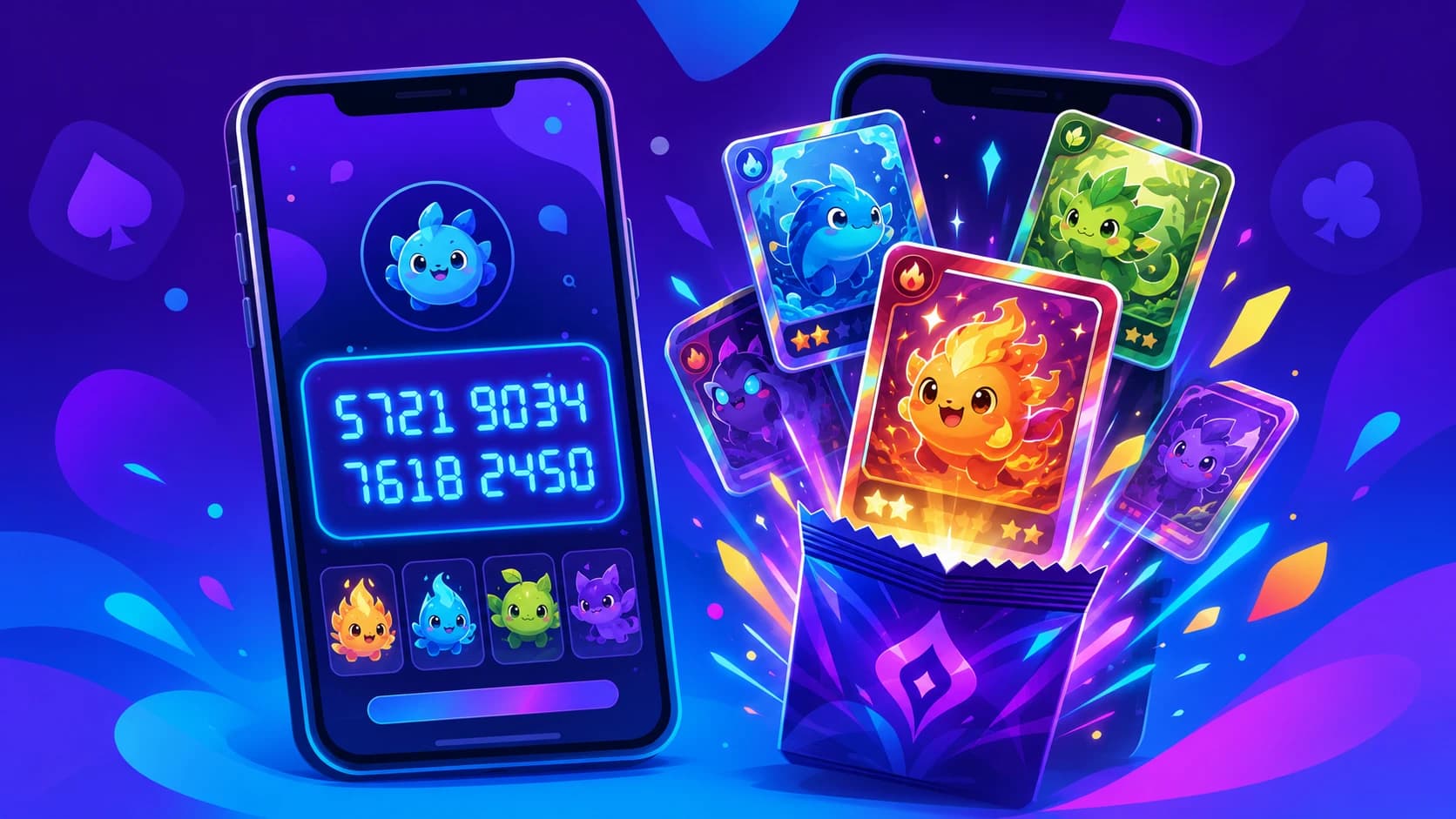
Your friend code in Pokémon TCG Pocket is a unique 16-digit number that identifies your account. Share it with other players and, once they add you back, you become friends in-game. Friends can trade cards with each other, see each other's Wonder Picks, and send daily gifts — all of which make a real difference when you're trying to complete a set.
Unlike some mobile games, Pokémon TCG Pocket doesn't rely on a username or social login for friend-finding, so the code is the only reliable way to connect with strangers online.
How to Find Your Friend Code
- Open Pokémon TCG Pocket and tap the Friends button on the main menu.
- Select Add Friend.
- Your 16-digit friend code is displayed at the top of the screen. Tap it to copy it to your clipboard.
The code never changes, so you can share it publicly without worrying about it expiring.
How to Add a Friend Using Their Code
- Go to Friends → Add Friend.
- Paste or type the 16-digit code into the search field.
- Tap Send Friend Request.
- Once they accept, they'll appear in your friends list and you can start interacting.
Requests expire after 30 days if not accepted, so it's worth sending a quick in-game message to let them know to check their pending requests.
Where to Find Active Pokémon TCG Pocket Friend Codes
Most publicly-shared codes work, but not all players stay active. Here's where to find ones that are actually worth adding:
- Friend Code — The Pokémon TCG Pocket friend codes page on this site lists codes shared by real players. Post yours and pick up new friends in minutes.
- Reddit — r/PTCGP runs dedicated friend-code threads. Codes posted in the last 24 hours are almost always from active accounts.
- Discord — Several fan servers have a #friend-codes channel. Search for "PTCGP Discord" to find the largest communities.
- Twitter / X — Search #PTCGPocketFriendCode for a constant stream of fresh codes.
Trading Cards With Friends
Trading is only available between friends, and both players need to have the card they're offering in their collection. A few things to keep in mind before you start:
- Trade Tokens are required. Each trade costs tokens for both players. Higher-rarity cards cost significantly more, so plan accordingly.
- You can only trade cards you own. You can't broker trades or move cards you've already traded away.
- Ex and Special Rarity cards have restrictions. Some very rare cards can only be traded with friends you've known in-game for a certain amount of time — another good reason to build your friends list early.
The smartest approach is to add friends now, even before you need to trade. The longer someone has been on your list, the more trading options unlock between you.
Wonder Picks and Friend Bonuses
Beyond trading, friends give you two other valuable recurring benefits:
- Wonder Pick notifications. When a friend opens packs, you get a chance to pick one of their cards in a Wonder Pick. Having more active friends means more Wonder Pick opportunities every day — and occasionally you'll snag a rare card you'd otherwise have to pull yourself.
- Stamina gifts. You can send one Stamina item per friend per day and receive one back. At scale — say, 20 active friends — that's a meaningful daily boost to how many packs you can open without spending Poké Gold.
Tips for Keeping Your Friends List Healthy
A large friends list is only useful if the people on it are actually playing. Here's how to keep it productive:
- Send gifts daily. Players who receive gifts are more likely to send them back. Consistency is the key to a reciprocal list.
- Remove inactive accounts. If someone hasn't logged in for two weeks, they won't be generating Wonder Picks or sending gifts. Free up the slot for an active player.
- Share your code regularly. The more places you share it, the faster your list fills with engaged players.
How Many Friends Can You Have?
Pokémon TCG Pocket currently caps your friends list at 200 players. For most people that's more than enough, but if you're a serious Wonder Picker it's worth trying to fill it with players who open packs daily. Quality matters as much as quantity — an active friend who opens packs every day is worth far more than ten inactive accounts.
Ready to Start?
Head over to the Pokémon TCG Pocket friend codes page, drop your code, and start adding players. The friends list is one of the easiest free advantages in the game — the sooner you build it, the sooner the Wonder Picks and daily gifts start rolling in.